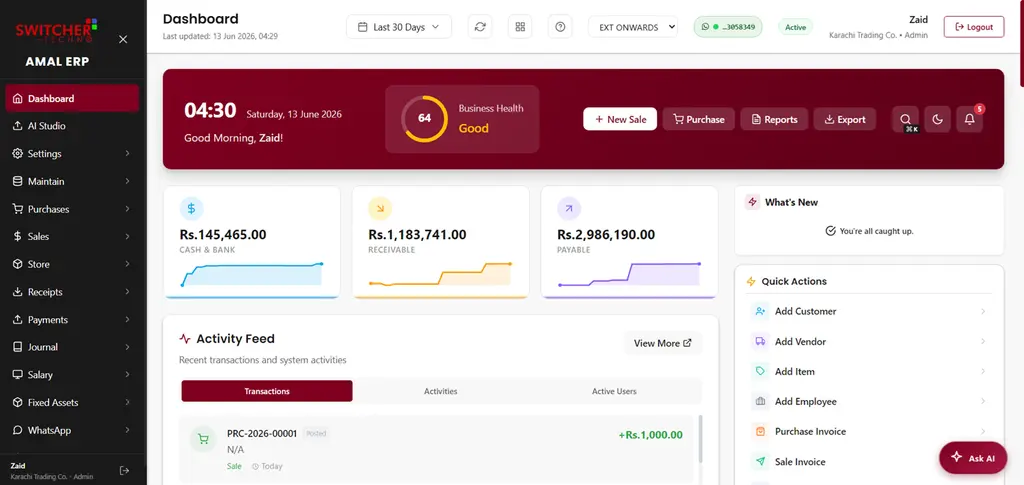
The short answer: desktop accounting works if one person does the books on one computer, but a cloud ERP wins for almost everyone else — because you can work from anywhere, your data is backed up automatically, and accounting, inventory and sales live in one connected place.
Access
Desktop software is tied to the machine it is installed on. Cloud ERP runs in your browser, so you (and your team) can work from the shop, the warehouse, home or your phone — everyone sees the same live data.
Backups & safety
With desktop software, a crashed hard drive or lost laptop can mean lost books unless you religiously back up. Cloud ERP backs up your data continuously on secure infrastructure, so a broken device is just a broken device.
One system vs many
Desktop accounting usually handles only accounting; you bolt on separate tools for POS, inventory and payroll. A cloud ERP connects them, so a sale updates stock and the ledger at once — no double entry, no mismatches.
Cost
- Desktop: often a larger one-time licence, plus paid upgrades and your own backup/IT effort.
- Cloud: a predictable subscription that includes hosting, updates and backups.
Security & updates
Cloud ERP is updated centrally — you always have the latest version, with security handled by the provider. Desktop versions can fall behind unless you keep upgrading.
When desktop still makes sense
If you have a single user, no need for remote access, and strict offline-only requirements, desktop can be fine. But note that good cloud ERPs (including AmalERP) offer offline POS billing too — so 'works offline' is no longer a reason to avoid the cloud.
In short
Cloud ERP gives you access anywhere, automatic backups, one connected system and always-current software. AmalERP is a cloud ERP with offline-capable POS — the best of both. Compare it with desktop tools like Tally on our comparison page.